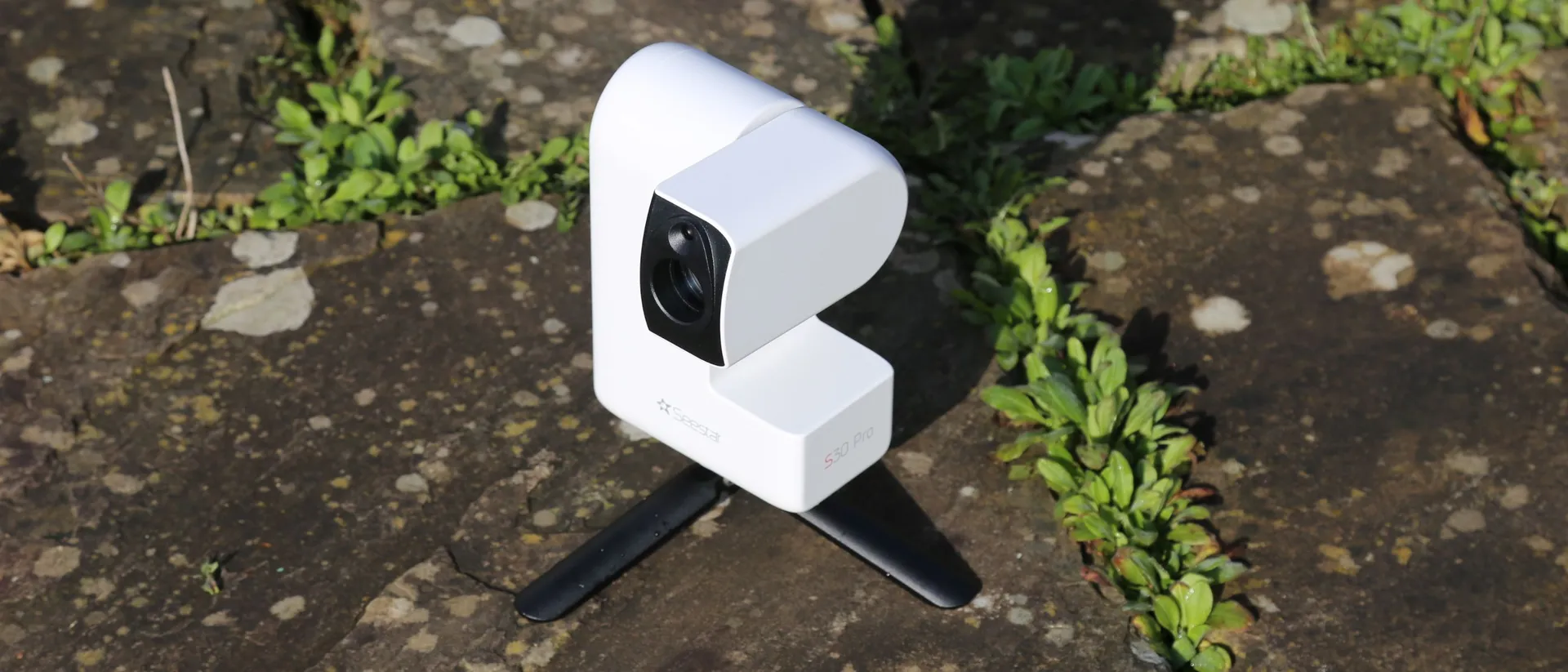
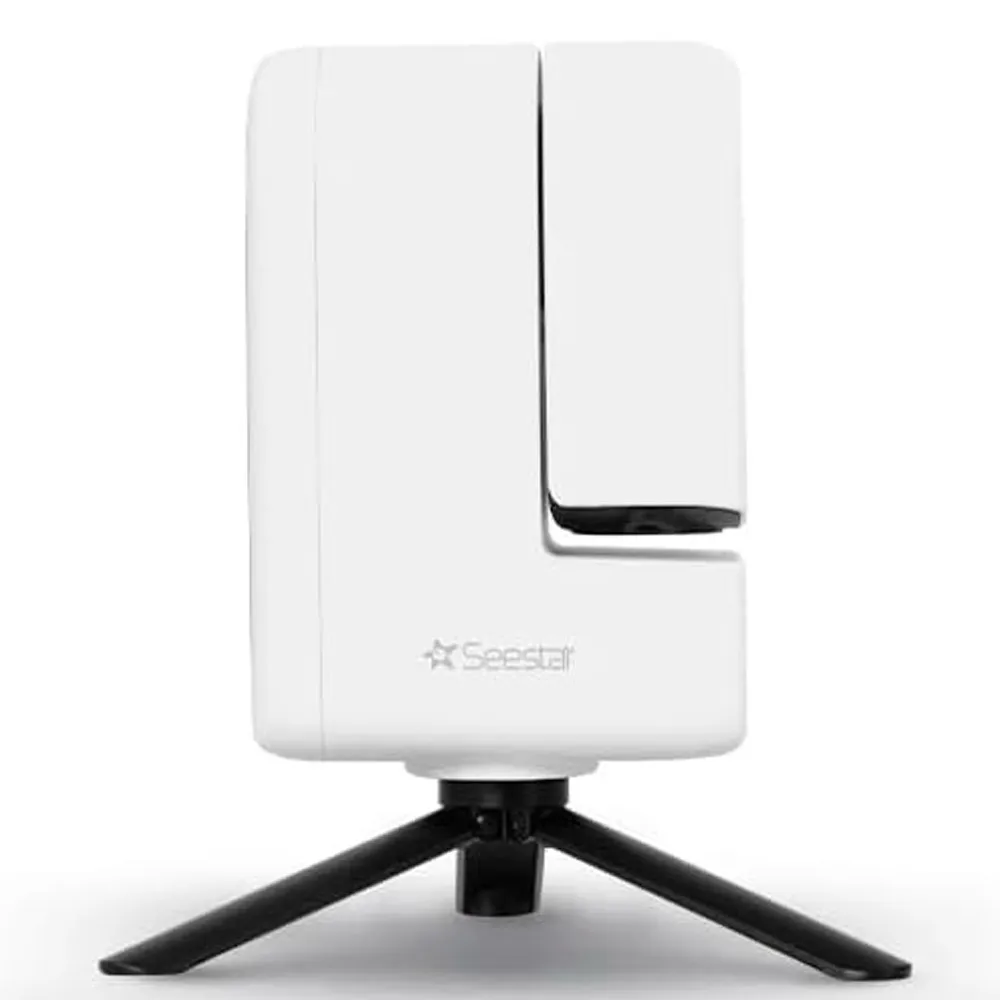
The ZWO Seestar S30 Pro delivers an impressively simple astrophotography experience in a compact device that fits in a camera bag. With automatic alignment, tracking and image-stacking handled entirely in-app, beginners can produce striking images of galaxies and nebulae within minutes. However, it's some advanced features — including 8.3MP resolution and an equatorial mount mode — that make this small refractor a powerful entry point into amateur astronomy.
Reasons to buy
+
Portable and lightweight
+
Automatic alignment and live stacking
+
Works well under light-polluted skies
+
8.3MP resolution
+
EQ mode
Reasons to avoid
-
Planets appear very small
-
Reliant on smartphone control
-
Internal storage can fill quickly
Why you can trust Live Science
Our expert reviewers spend hours testing and comparing products and services so you can choose the best ones for you. Find out more about how we test.
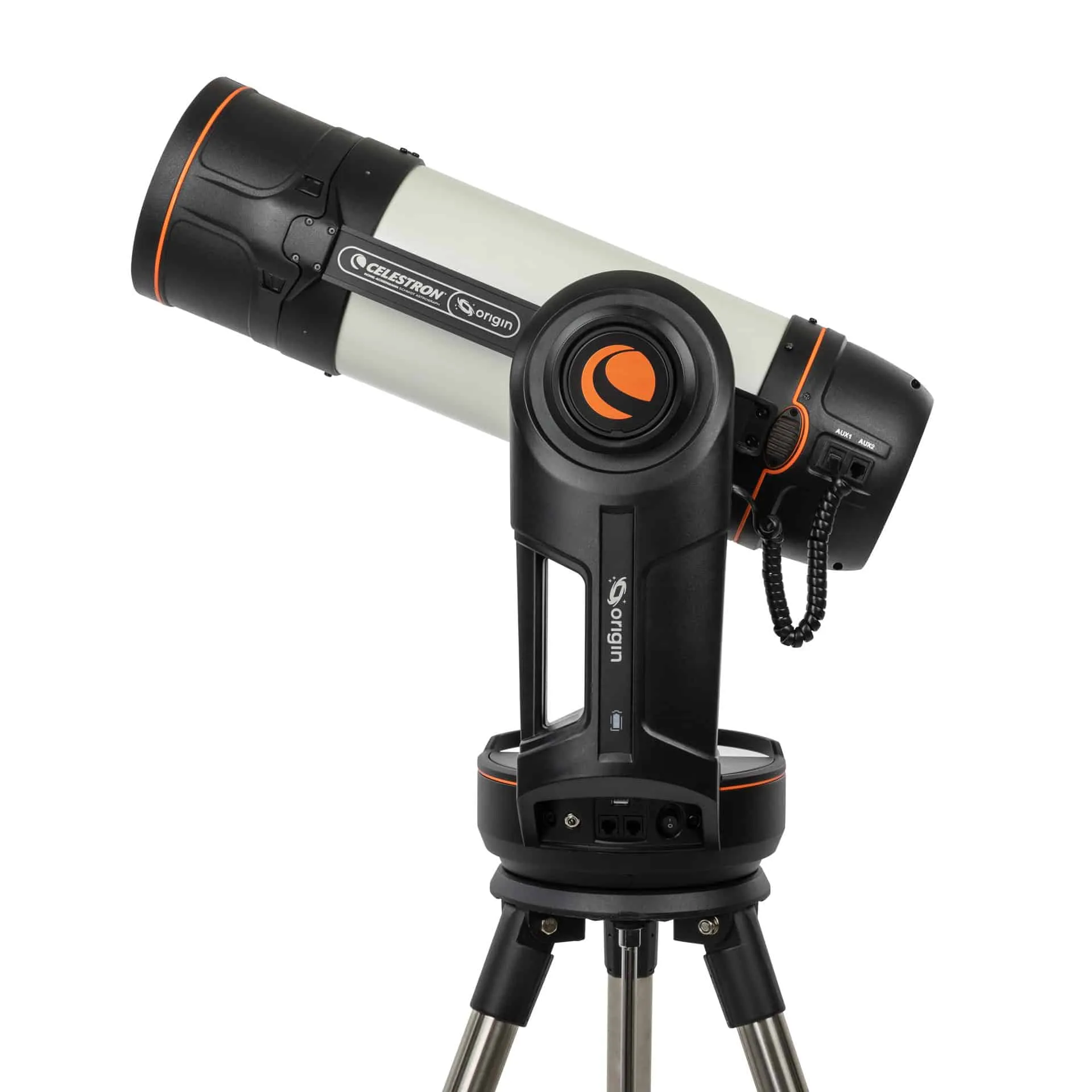
The ZWO Seestar S30 Pro is the latest of a new generation of smart telescopes designed to remove much of the complexity traditionally associated with astrophotography. Instead of a separate telescope, camera, tracking mount and laptop, everything is contained in one compact unit and controlled entirely through a smartphone app.
For beginners, that automation makes astronomy much less daunting. After just a few minutes, the telescope automatically identifies the stars overhead, slews to a chosen target and begins capturing exposures. The resulting frames are stacked together in real time, gradually revealing galaxies, nebulae and star clusters regardless of urban light pollution.
Specifications
Image resolution: 8.3 MP (3840 x 2160) Aperture: 30 mm (1.18 inches) Focal length: 160 mm Storage: 128 GB internal Field of view: 4.6 degrees (tele) / 63 degrees (wide) Mount: Motorized alt-azimuth (EQ mode supported) Battery: Around 6 hours Weight: 3.6 lbs (1.65 kg)
However, it's what this smart telescope — an update to the ZWO Seestar S30 — does beyond that basic concept that makes it so impressive. By adding a new sensor that allows 8.3MP images and the ability to go into equatorial mode — a feature typically reserved for advanced astrophotography that puts a 'scope in sync with Earth's rotation — the ZWO Seestar S30 Pro becomes a product that can be explored in a lot more depth than the price tag suggests. The ability to deal in RAW image files will also appeal to advanced users.
One of the simplest but also one of the most impressive smart telescopes around, here’s everything you need to know about the ZWO Seestar S30 Pro.
ZWO Seestar S30 Pro review
ZWO Seestar S30 Pro: Design
Image 1 of 3
The Seestar S30 Pro is a 1.2-inch (30mm) refractor telescope.
(Image credit: Jamie Carter)
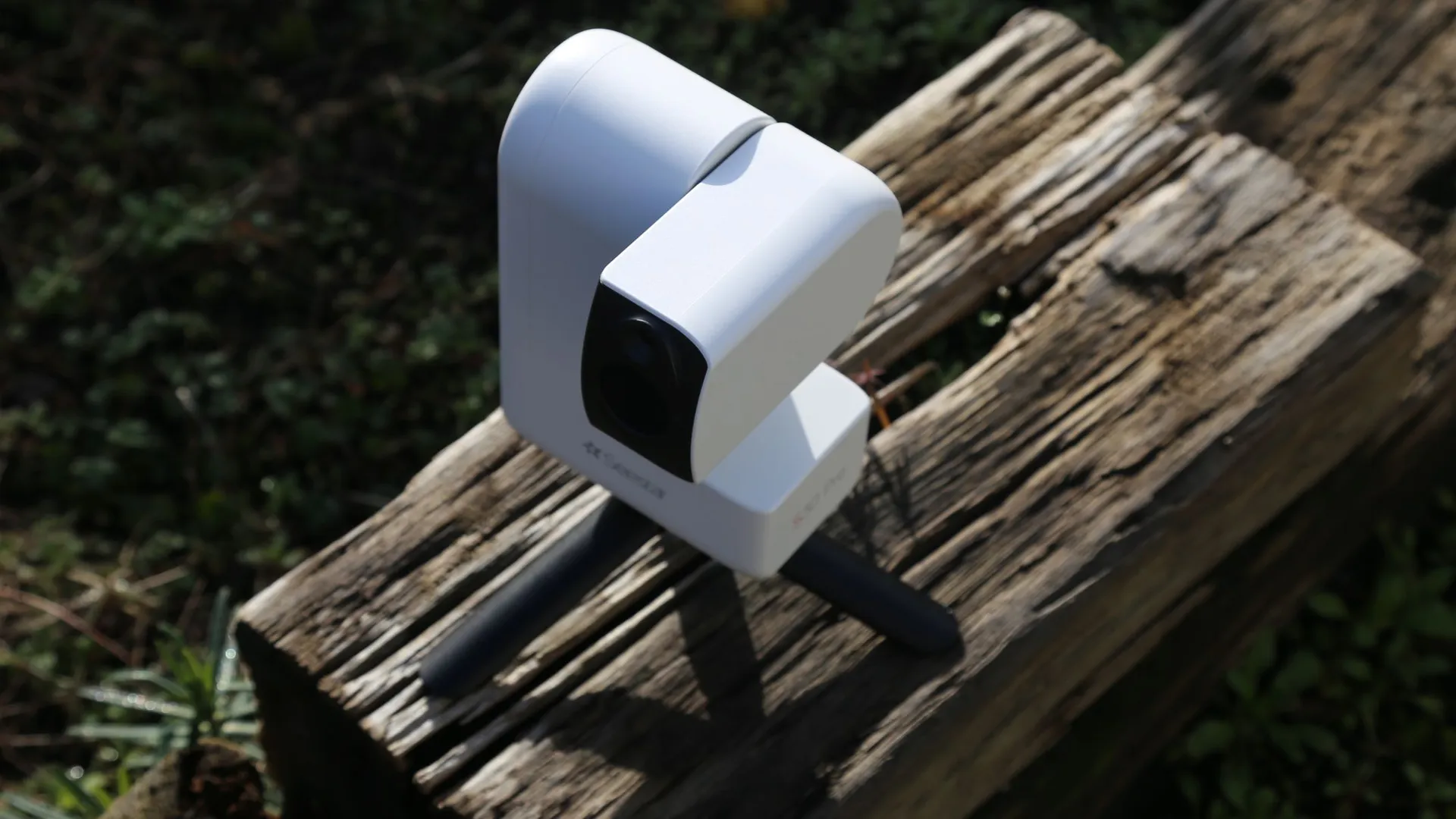
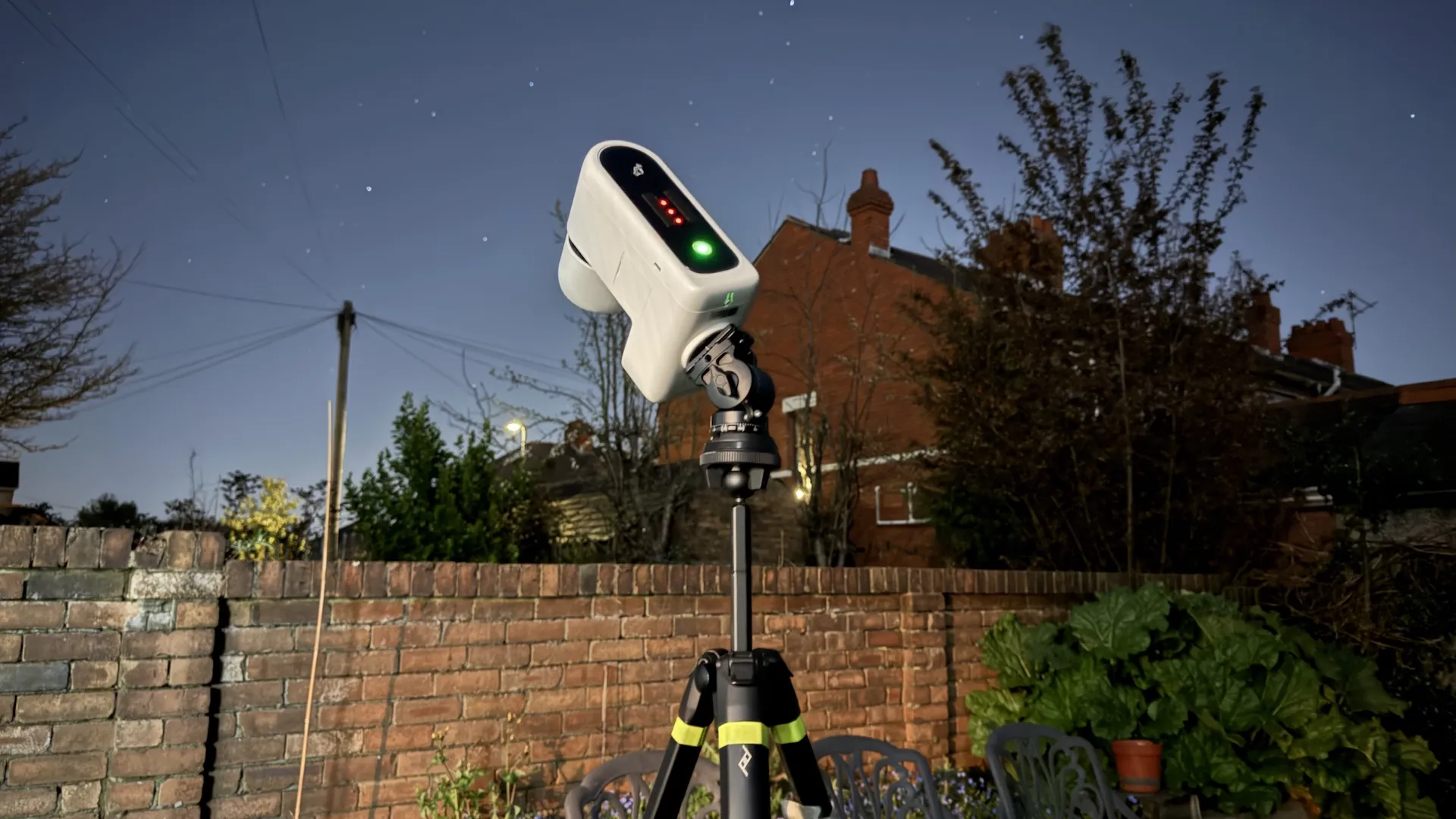
The Seestar S30 Pro can be used with any tripod.
(Image credit: Jamie Carter)
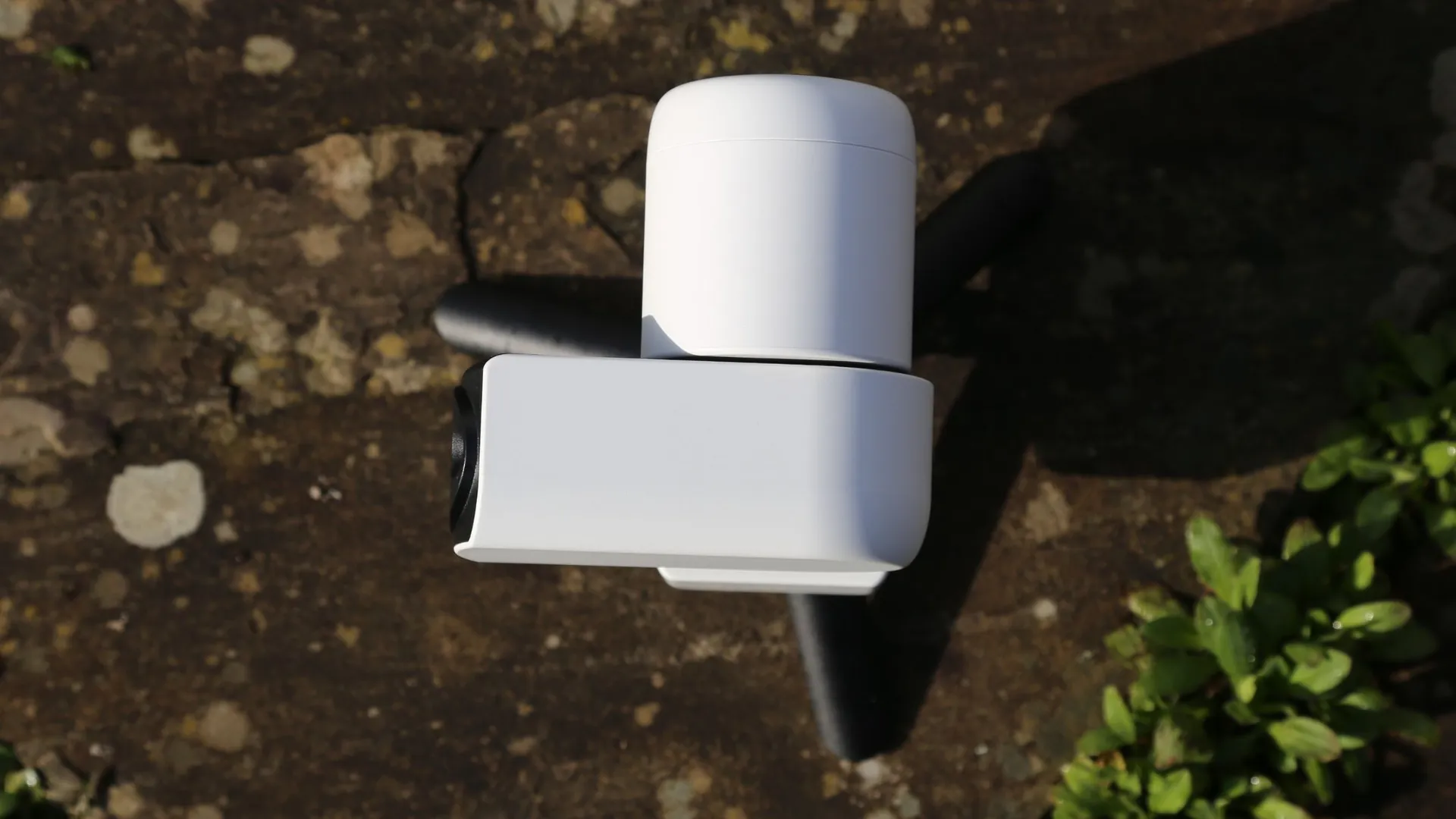
The Seestar S30 Pro has a very small footprint.
(Image credit: Jamie Carter)
At first glance, the ZWO Seestar S30 Pro hardly looks like a telescope at all. The entire device measures 8.25 x 5.5 x 3.15 inches (210 x 140 x 80 mm) and weighs just 3.6 lb (1.65 kg), making it small enough to fit inside most camera backpacks. It also comes with a good quality padded bag, complete with a shoulder strap. Unlike most astrophotography rigs, the Seestar can be carried in one hand.
The body is constructed from durable plastic with a simple, minimalist design. Aside from a power button and USB-C port, there are no physical controls on the telescope itself. All adjustments — including slewing, focusing and imaging — are performed through the Seestar smartphone app.
The telescope mounts onto a tabletop tripod (also in the box) using a standard 3/8-inch thread. However, in practice, we found it works best on a full-size photographic tripod: this will improve stability and provide a better view above nearby obstacles in the average backyard.
Sign up for the Live Science daily newsletter now
Get the world’s most fascinating discoveries delivered straight to your inbox.
Image 1 of 3
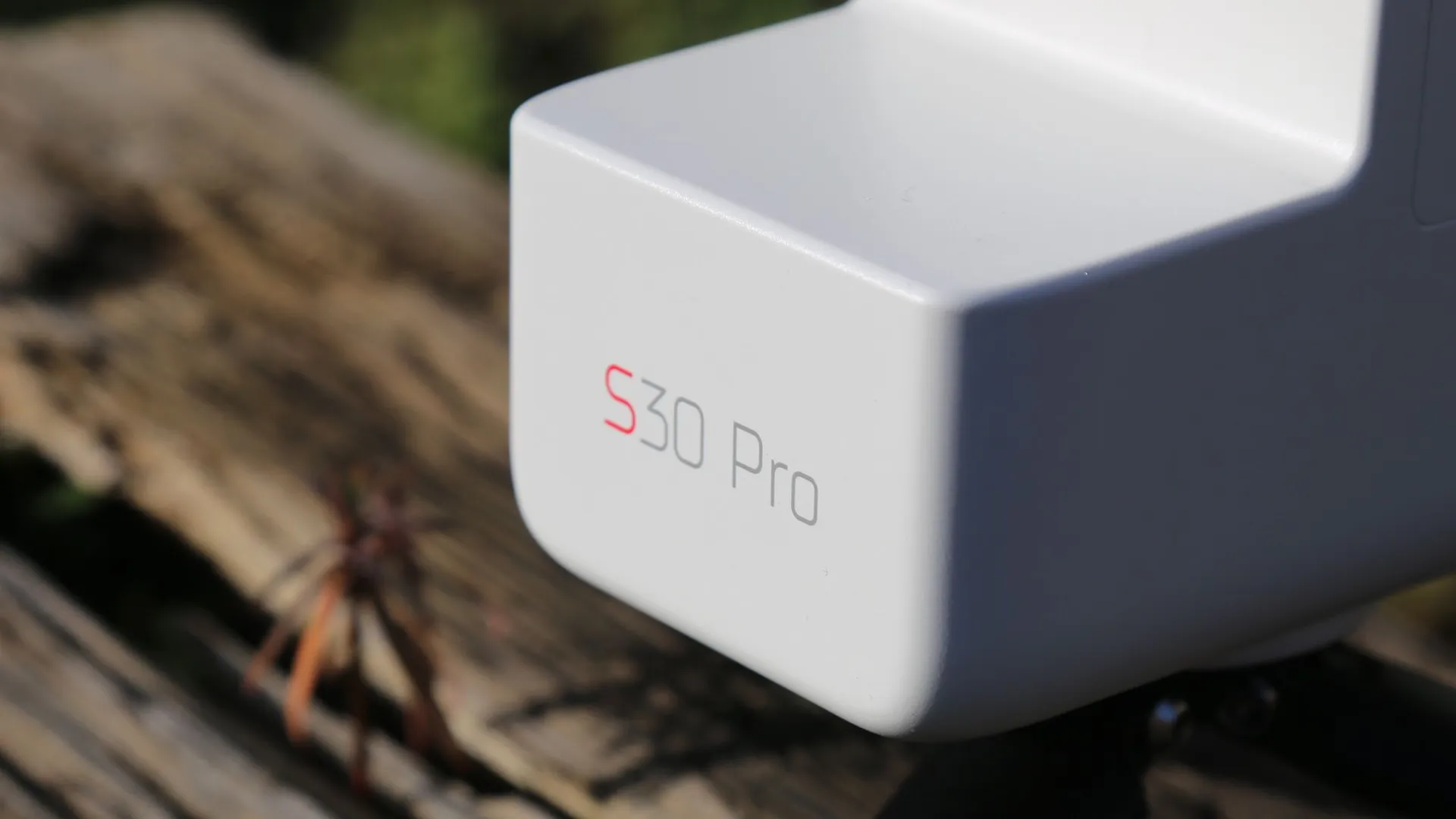
Seestar logo on the S30 Pro.
(Image credit: Jamie Carter)
The Seestar S30 Pro is fully automated.
(Image credit: Jamie Carter)
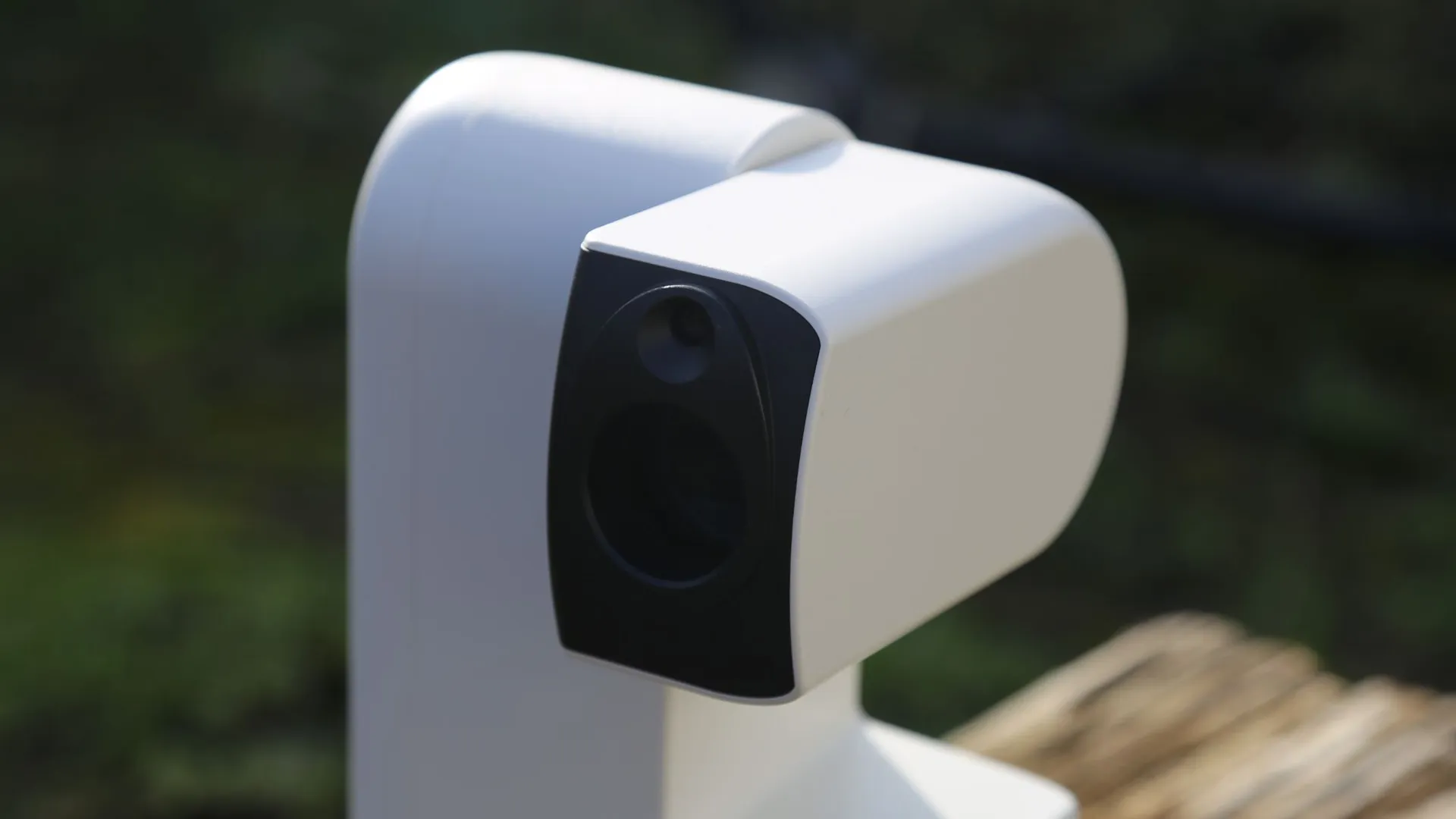
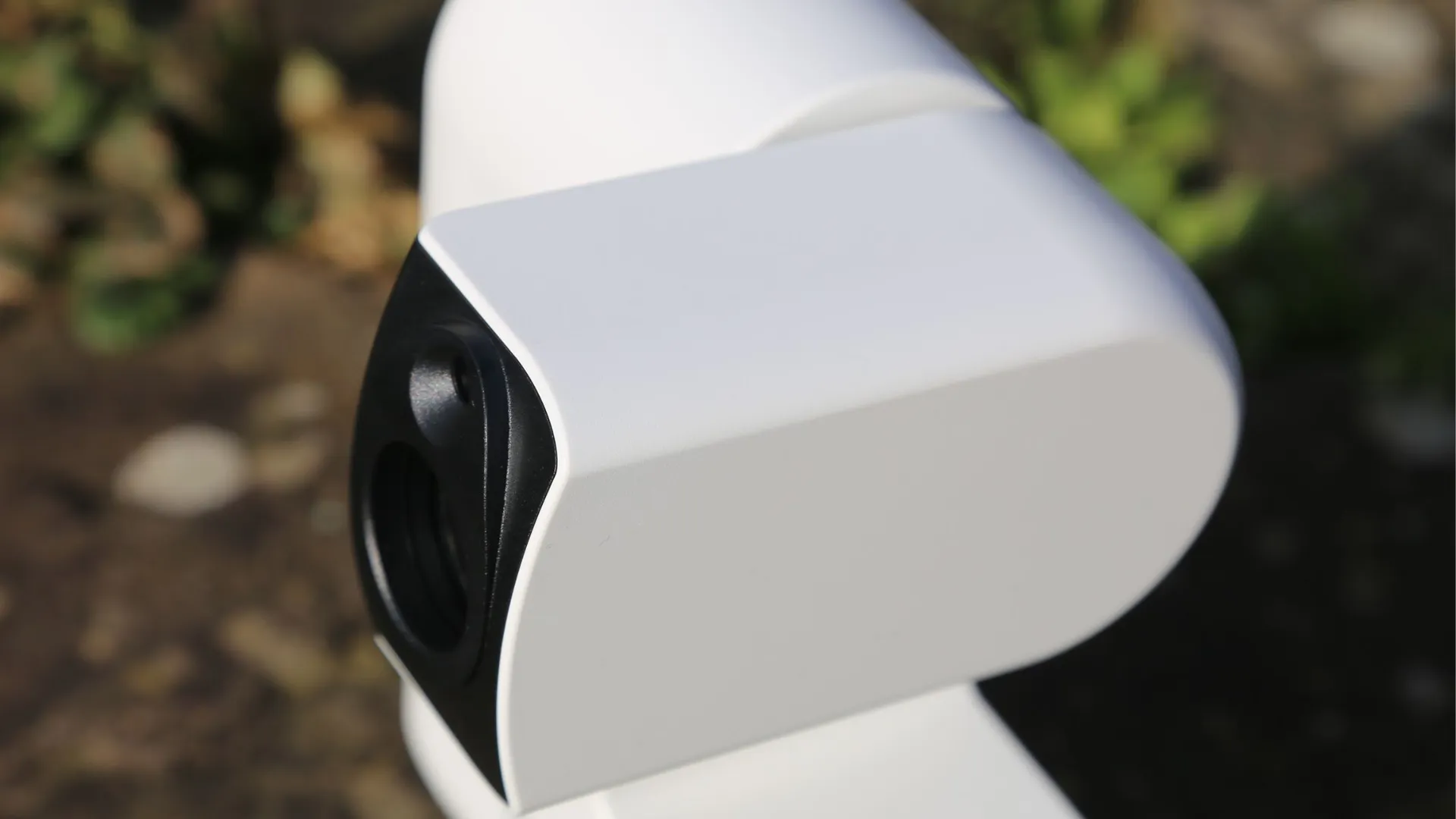
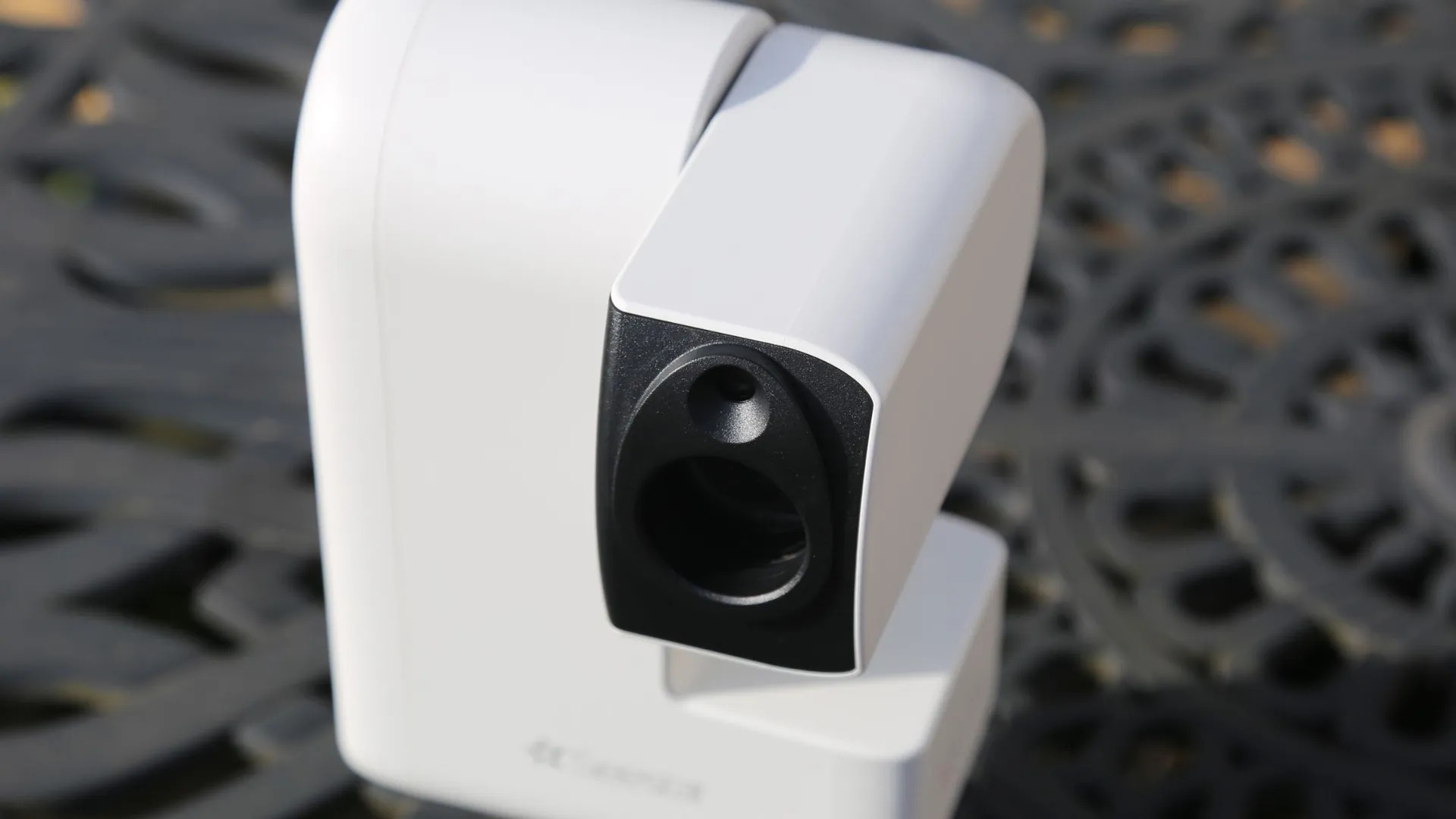
The Seestar S30 Pro has telephoto and wide-angle lenses.
(Image credit: Jamie Carter)
A key design feature of the ZWO Seestar S30 Pro is its dual-camera system. The main telephoto camera uses a Sony IMX585 sensor (a high-sensitivity sensor typically found in security/night-vision cameras) paired with the apochromatic refractor telescope at the core of this product for deep-sky imaging. Above it sits a wide-angle camera, with a massive 63-degree field of view, that is used for sky alignment, wide-field imaging and Milky Way photography. It's packing a Sony IMX586 sensor that's designed for low-light performance.
There’s also a built-in three-filter system to reduce light pollution and capture specific wavelengths of light to better reveal emission nebulae.
ZWO Seestar S30 Pro: Performance
Image 1 of 1
Seestar S30 Pro in EQ mode.
(Image credit: Jamie Carter)
We tested the ZWO Seestar S30 Pro across multiple nights in February and March, with temperatures ranging between 36 and 45 degrees Fahrenheit (2 and 7 degrees Celsius), under Bortle 6 suburban skies, where light pollution typically makes using an optical telescope challenging.
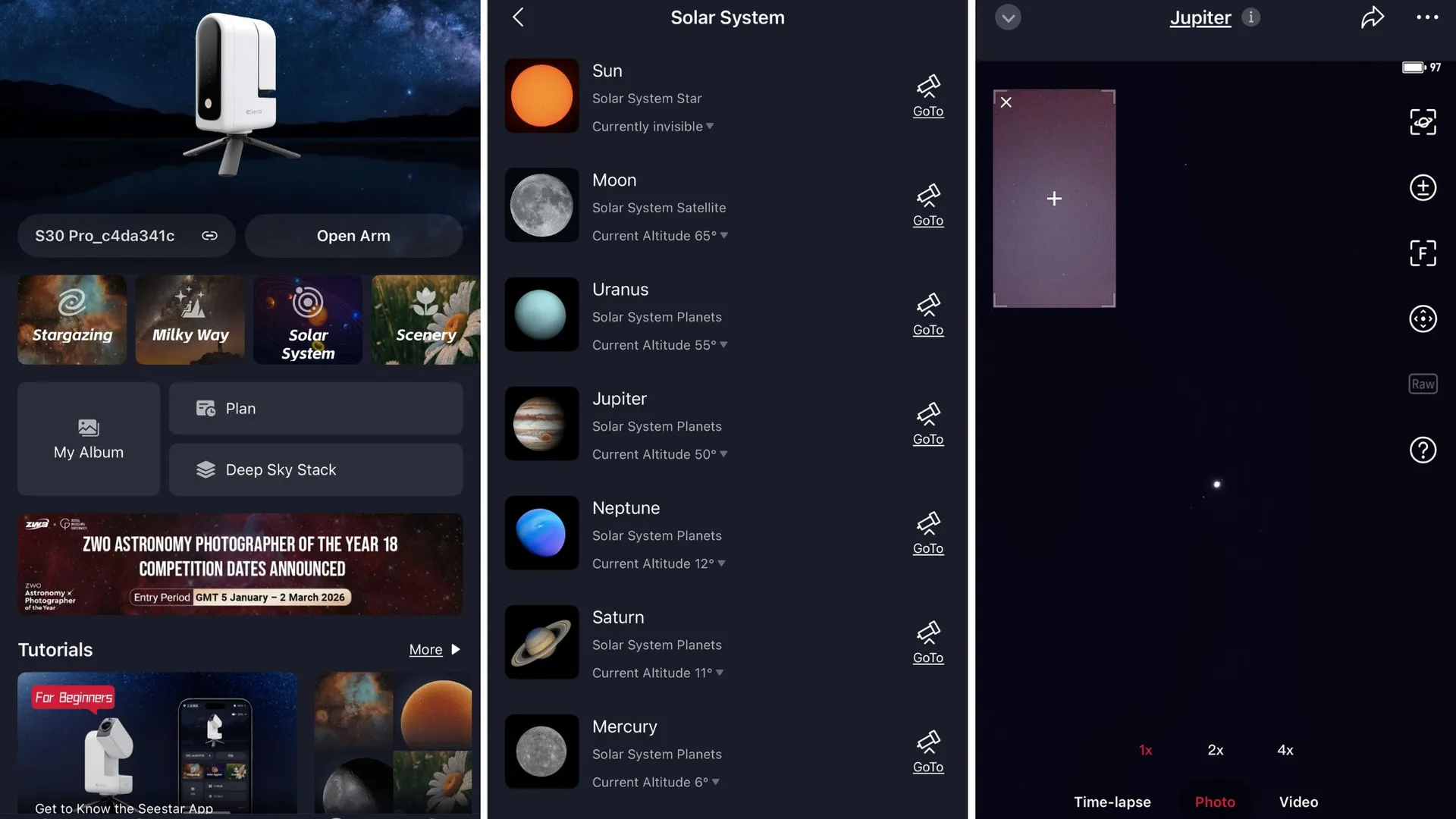
Set-up was straightforward: mount the telescope on a tripod, power it on and connect to its Wi-Fi network through the Seestar app. There’s an NFC “tap” feature to make it even easier. Within roughly four minutes, we had chosen a target on the app's planetarium-style sky map, and the telescope had automatically plate-solved the stars overhead to determine its position in the sky as it locked onto the target.
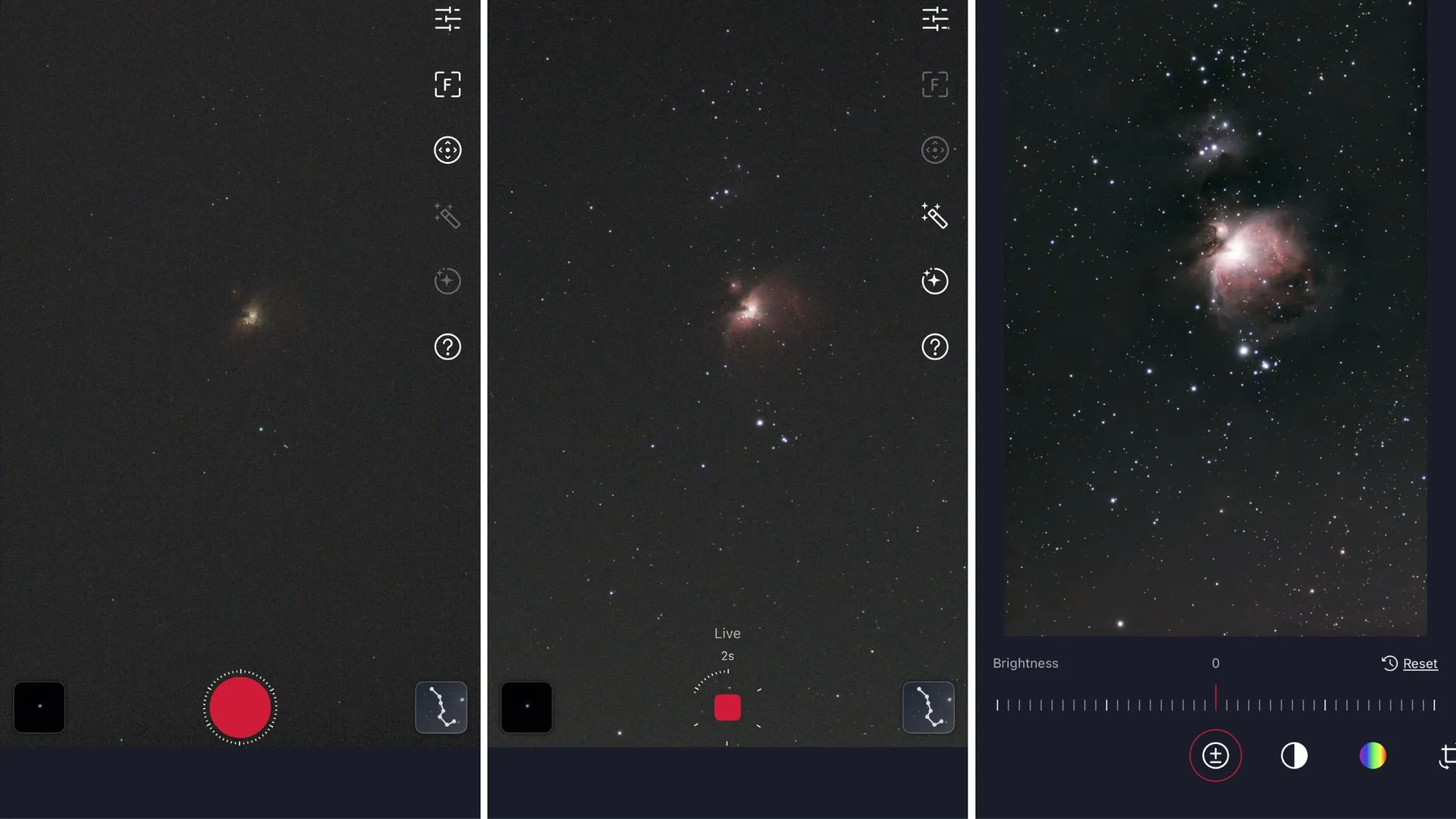
Once a target is in the ZWO Seestar S30 Pro's crosshairs, it begins capturing 10-second exposures. These images are stacked together in real time, gradually increasing the signal-to-noise ratio and revealing faint detail. It's a process that's surprisingly satisfying to watch — though you can just as easily set it to stack and come back an hour or two later to check on its progress.
Image 1 of 4
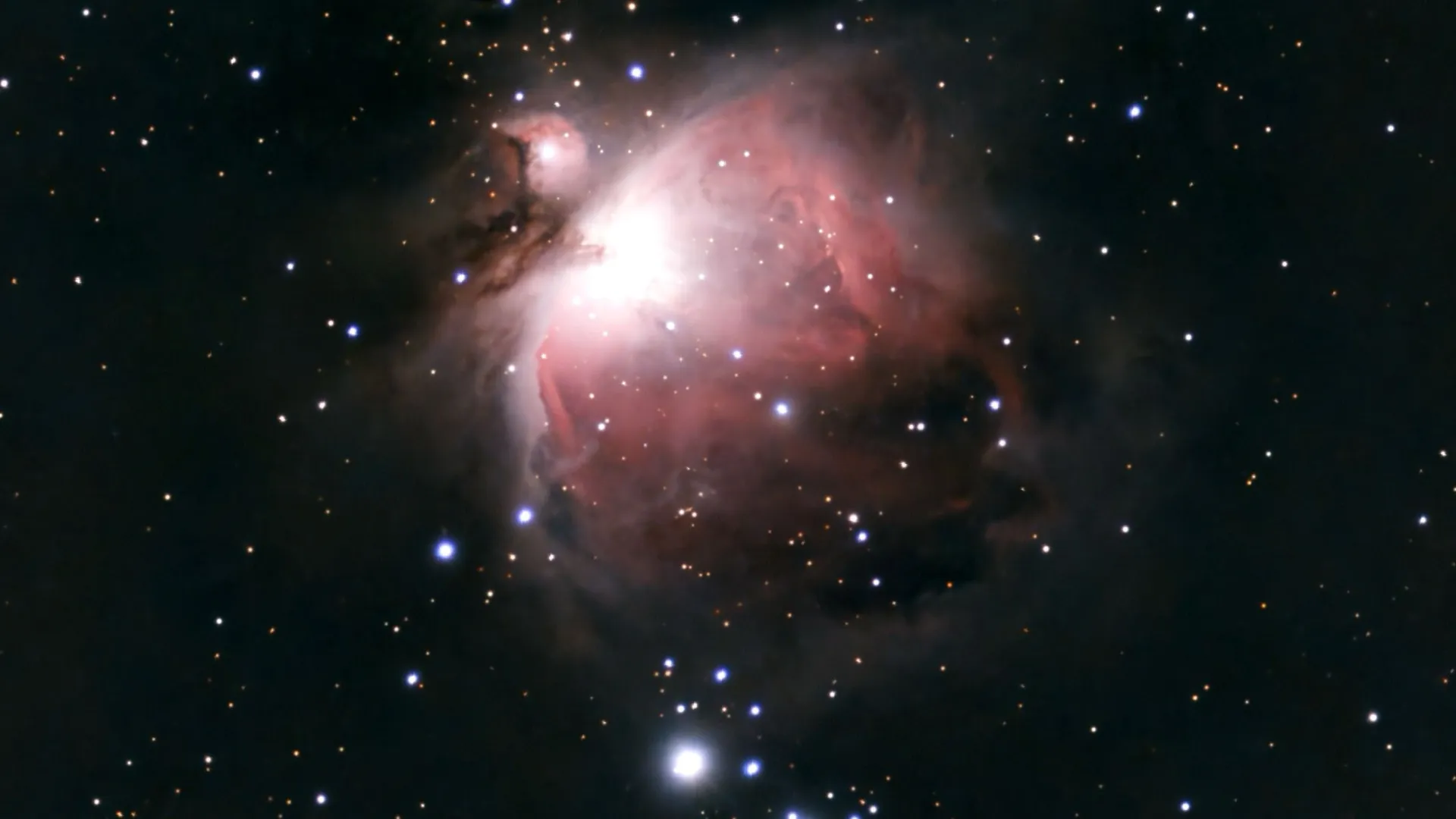
The Orion Nebula (M42) looks so colorful via Seestar S30 Pro.
(Image credit: Jamie Carter)
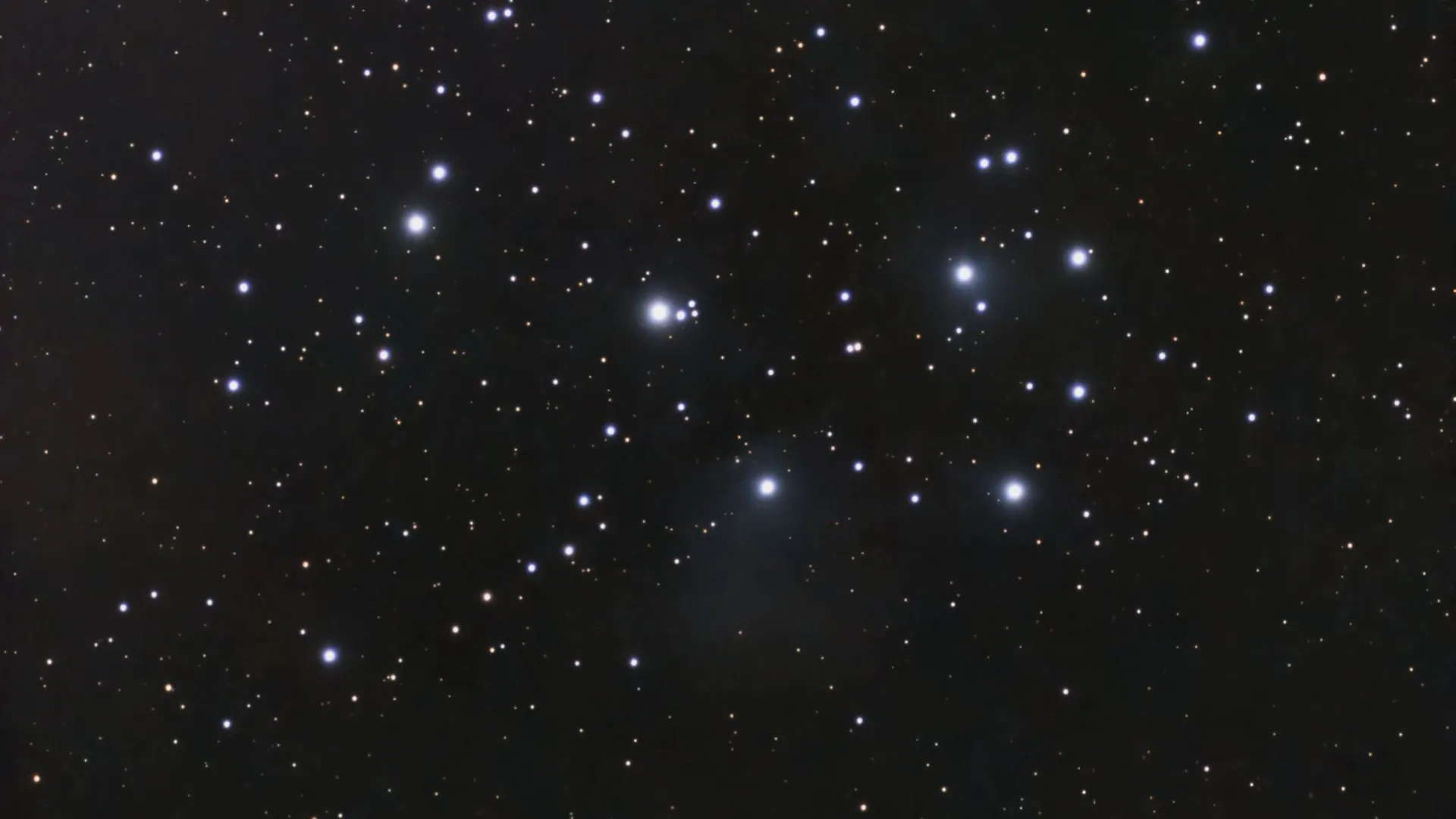
The Pleaides (M45) as seen by Seestar S30 Pro.
(Image credit: Jamie Carter)
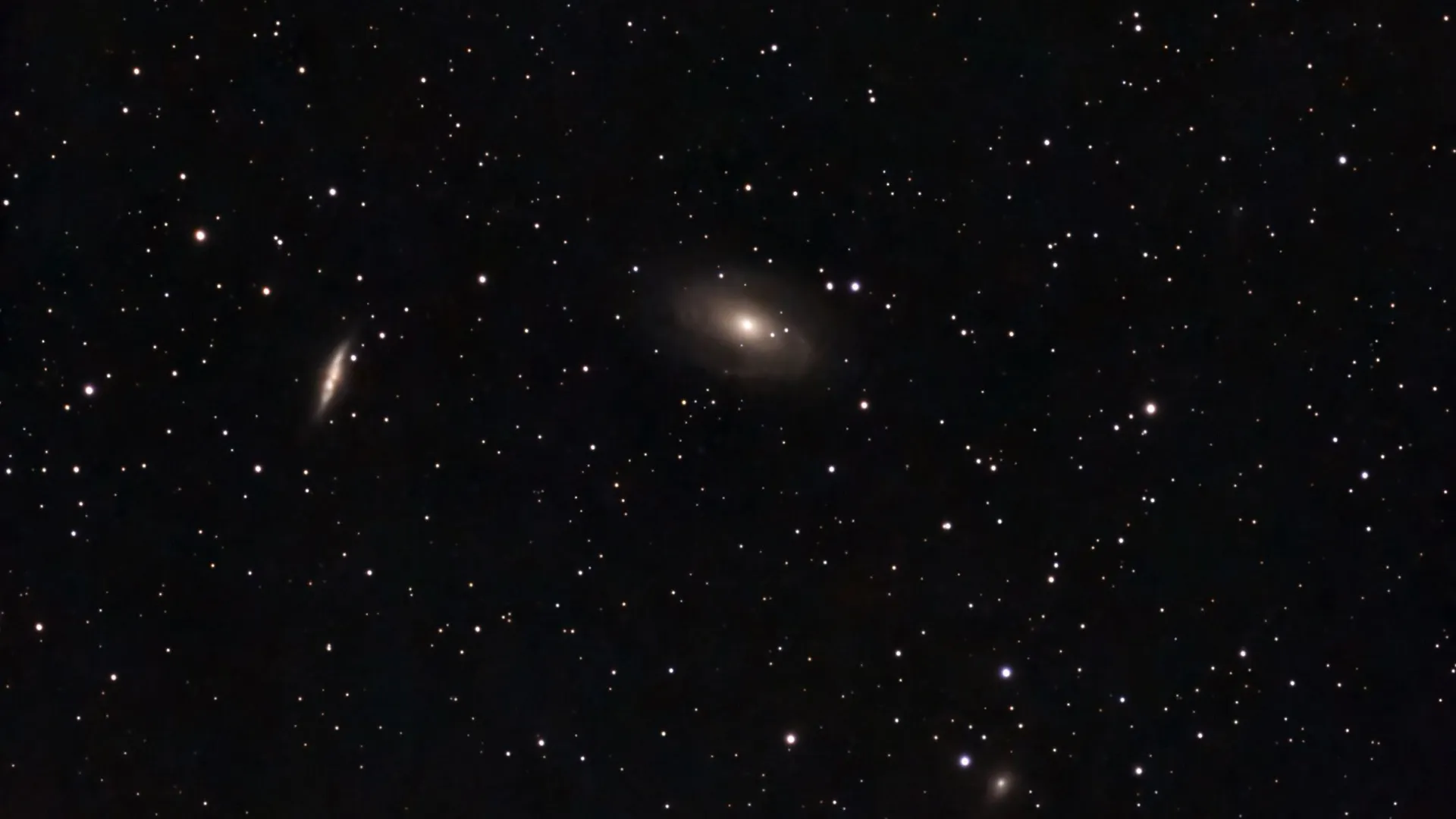
M81 and M82 through the Seestar S30 Pro.
(Image credit: Jamie Carter)
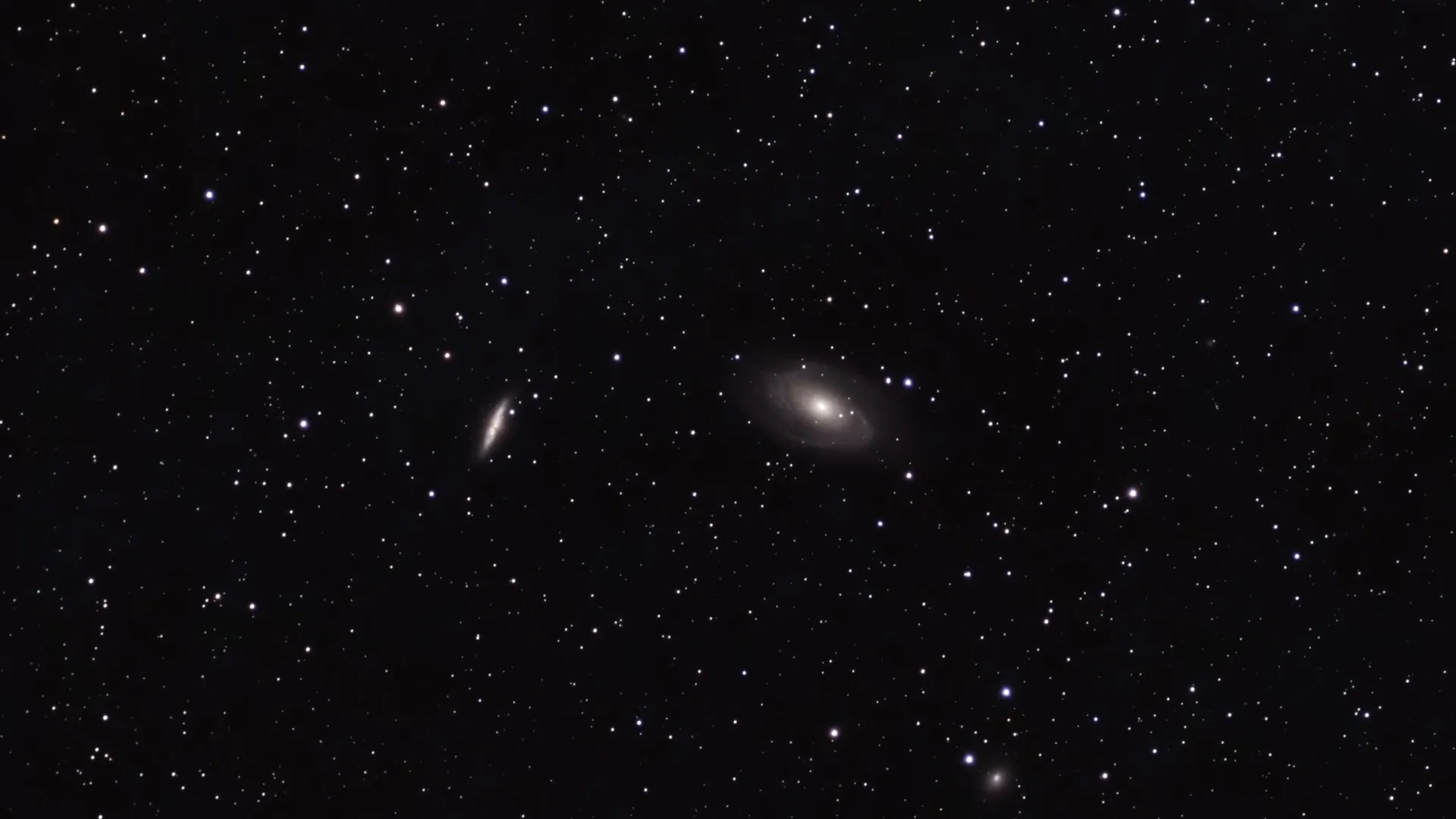
M81 and M82 using EQ mode on the Seestar S30 Pro.
(Image credit: Jamie Carter)
The first target we captured was the Orion Nebula (M42), one of the brightest deep-sky objects visible during March. Using the Seestar S30 Pro in standard alt-azimuth mode, we allowed the telescope to run for 20 minutes, with the resulting image showing strong color in the nebula’s hydrogen clouds. Next, we had the ZWO Seestar S30 Pro spend rather more time on Bode’s Galaxy and the Cigar Galaxy (M81 and M82), during which it revealed the faint spiral structure of M81.
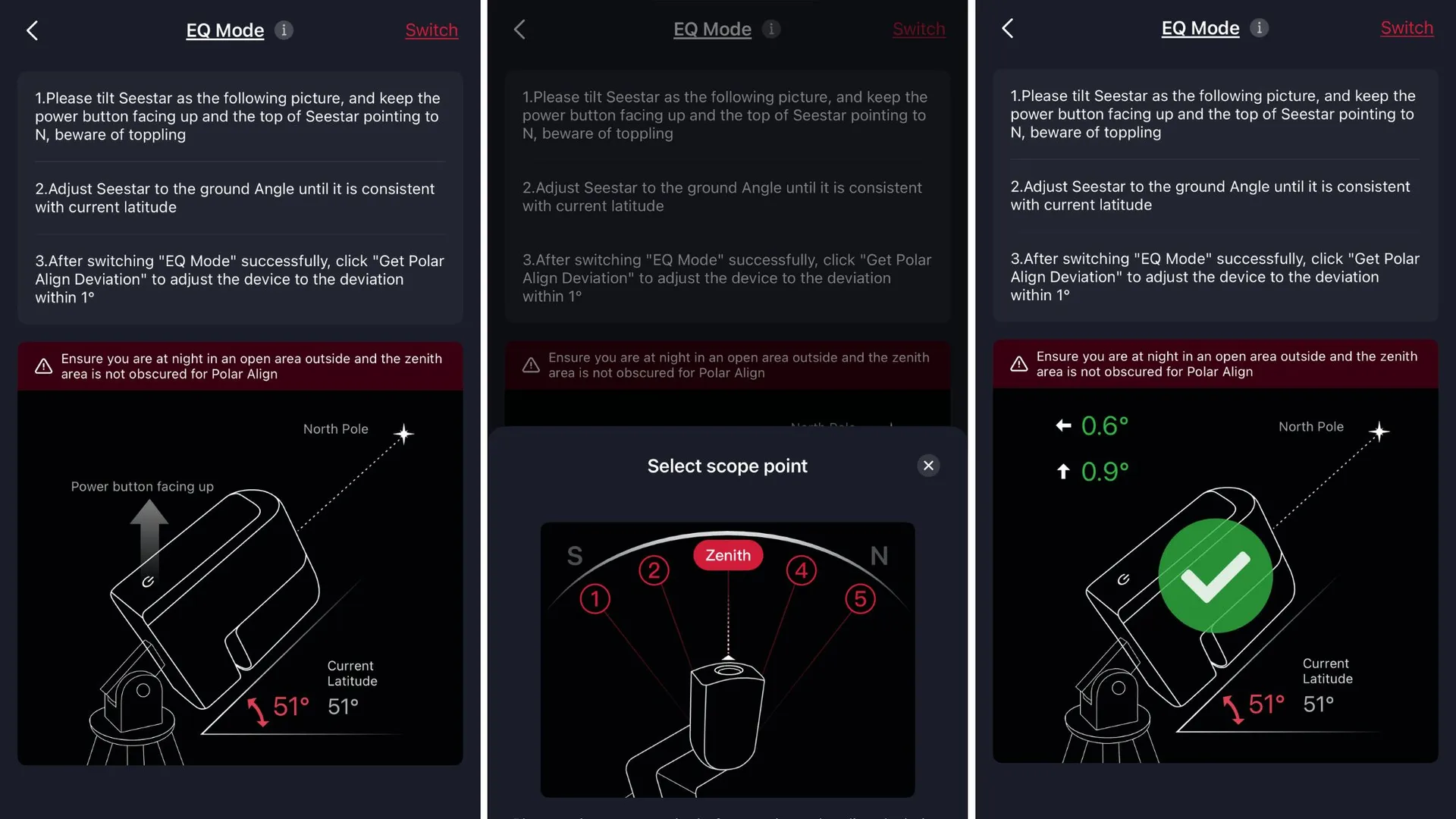
We then returned to the galaxy pair a few nights later, putting the ZWO Seestar S30 Pro into EQ mode and letting it take up to 60-second exposures — instead of the regular 10-second ones — to see what kinds of improvements are possible. However, it’s important to note that using EQ mode requires an equatorial wedge, which Seestar sells as its TH10 Fluid Tripod Head.
It’s possible to export the stacked FITS file into stacking and post-processing software like Siril, PixInsight or Photoshop, but we relied solely on the Seestar app’s built-in editing.
ZWO Seestar S30 Pro: Functionality
Image 1 of 2
Choosing targets in the Seestar app is easy.
(Image credit: Jamie Carter)
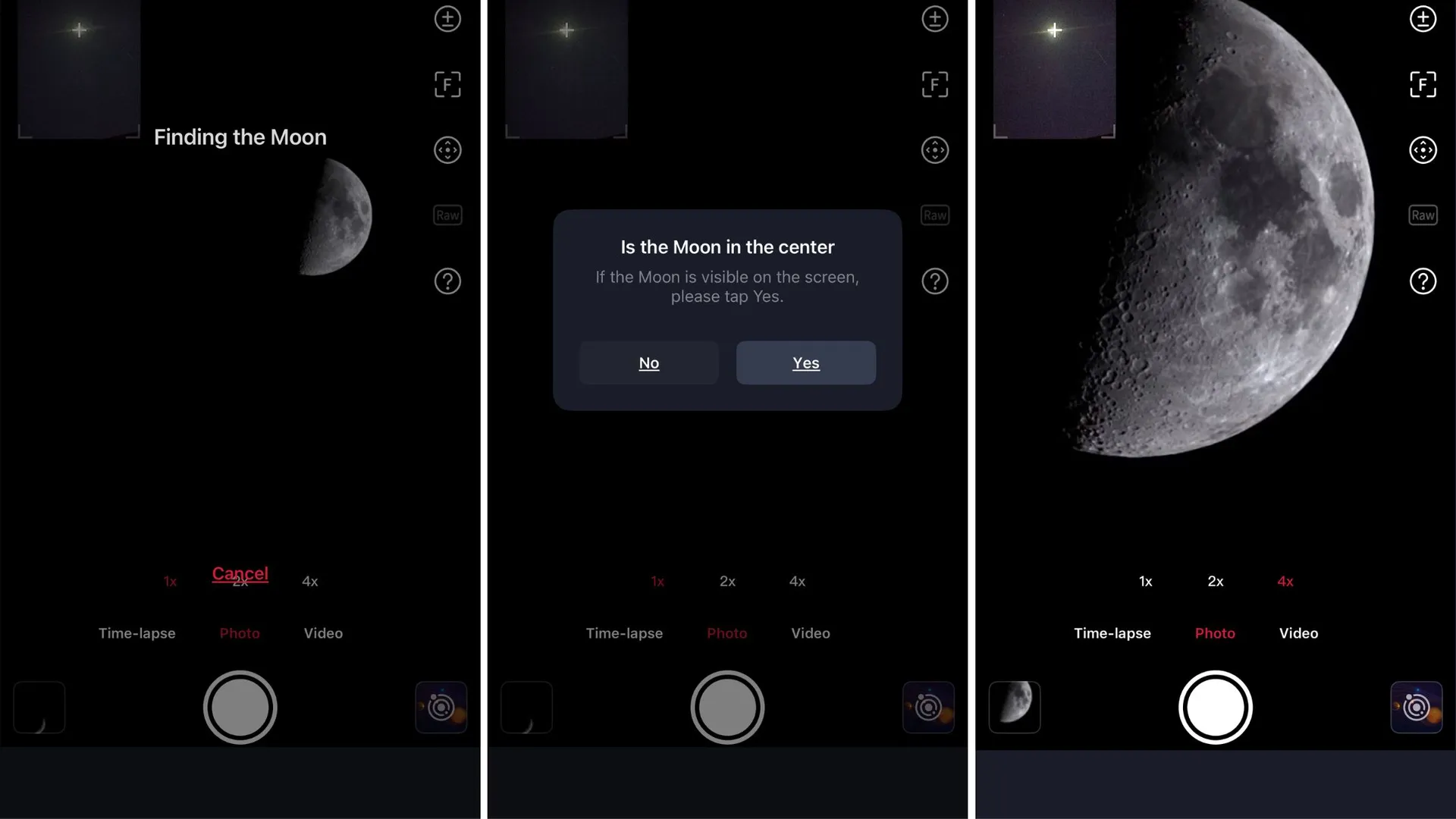
The Seestar S30 Pro locates the moon in under a minute.
(Image credit: Jamie Carter)
Much of the ZWO Seestar S30 Pro's appeal lies in its automation, with its excellent companion app adding impressive, enjoyable and easy-to-use advanced features. A great example is its sky atlas software, which shows the current night sky. It’s quick to use, easy to search and has plenty of recommended targets highlighted. Selecting one automatically slews the telescope into position — and it barely ever misses its target. After it’s auto-focused, captured exposures and stacked images, it applies some rudimentary processing. Sure, the only settings that can be adjusted are exposure time and gain, but that’s the point.
Image 1 of 2
How an image improves, from integration to final processing.
(Image credit: Jamie Carter)
EQ mode set up on the Seestar S30 Pro.
(Image credit: Jamie Carter)
For those who like to experiment but are more interested in exploring after data collection, one option for advanced users is to export individual FITS frames for manual processing. However, most will use the app’s Deep Sky Stack editing software, which has several advantages. The most basic is the ability to stack images, being careful not to select those with satellite or airplane trails or other obstructions (such as overhead cables — it happens!). There’s also a built-in AI Denoise feature that cleans up images in about 20 seconds, and, together with a contrast tweak, produces clean-looking, deep-black images of deep-sky objects.
Should you buy the ZWO Seestar S30 Pro?
Buy it if:
✅ You want a simple entry into astrophotography
✅ You want a portable telescope that fits in a camera bag
✅ You want to export FITS files for post-processing
Don't buy it if:
❌ You prefer traditional telescopes with eyepieces
❌ You want full manual control over imaging settings
❌ You want high-resolution planetary imaging
The ZWO Seestar S30 Pro is that rarest of products — one that is perfect for beginners, yet also offers enough core quality and advanced features to let users journey from easy to more advanced astrophotography. Within minutes of set-up, it can capture images of nebulae and galaxies that would normally require far more complex equipment, but there’s nevertheless enough here — chiefly 8.3MP resolution, EQ mode and the ability to export FITS files — for both instant gratification and sustained long-term interest. However, at its core, the ZWO Seestar S30 Pro’s ability to suppress light pollution does one thing above all — it makes deep-sky astronomy possible for urban skywatchers.
If this product isn't for you
If you want something cheaper
ZWO Seestar S30
If you want to save money and only want to share images online, the step-down ZWO Seestar S30 refractor will be fine for you — it’s just as easy to use, and its 2MP images impress.
If you want something smaller
DwarfLab Dwarf Mini
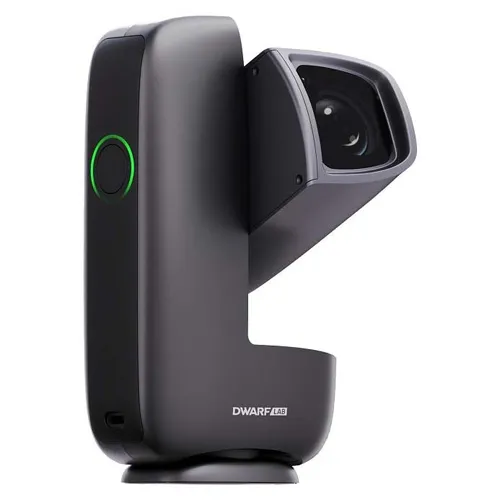
For something even smaller, the 2MP-capable DwarfLab Dwarf Mini (also a refractor) is the smallest smart telescope so far, and an impressive and affordable entry point into astronomy.
Jamie Carter is a Cardiff, U.K.-based freelance science journalist and a regular contributor to Live Science. He is the author of A Stargazing Program For Beginners and co-author of The Eclipse Effect, and leads international stargazing and eclipse-chasing tours. His work appears regularly in Space.com, Forbes, New Scientist, BBC Sky at Night, Sky & Telescope, and other major science and astronomy publications. He is also the editor of WhenIsTheNextEclipse.com.
You must confirm your public display name before commenting
Please logout and then login again, you will then be prompted to enter your display name.